Build a Live Cricket Score and Analytics App with Fast Cricket Data
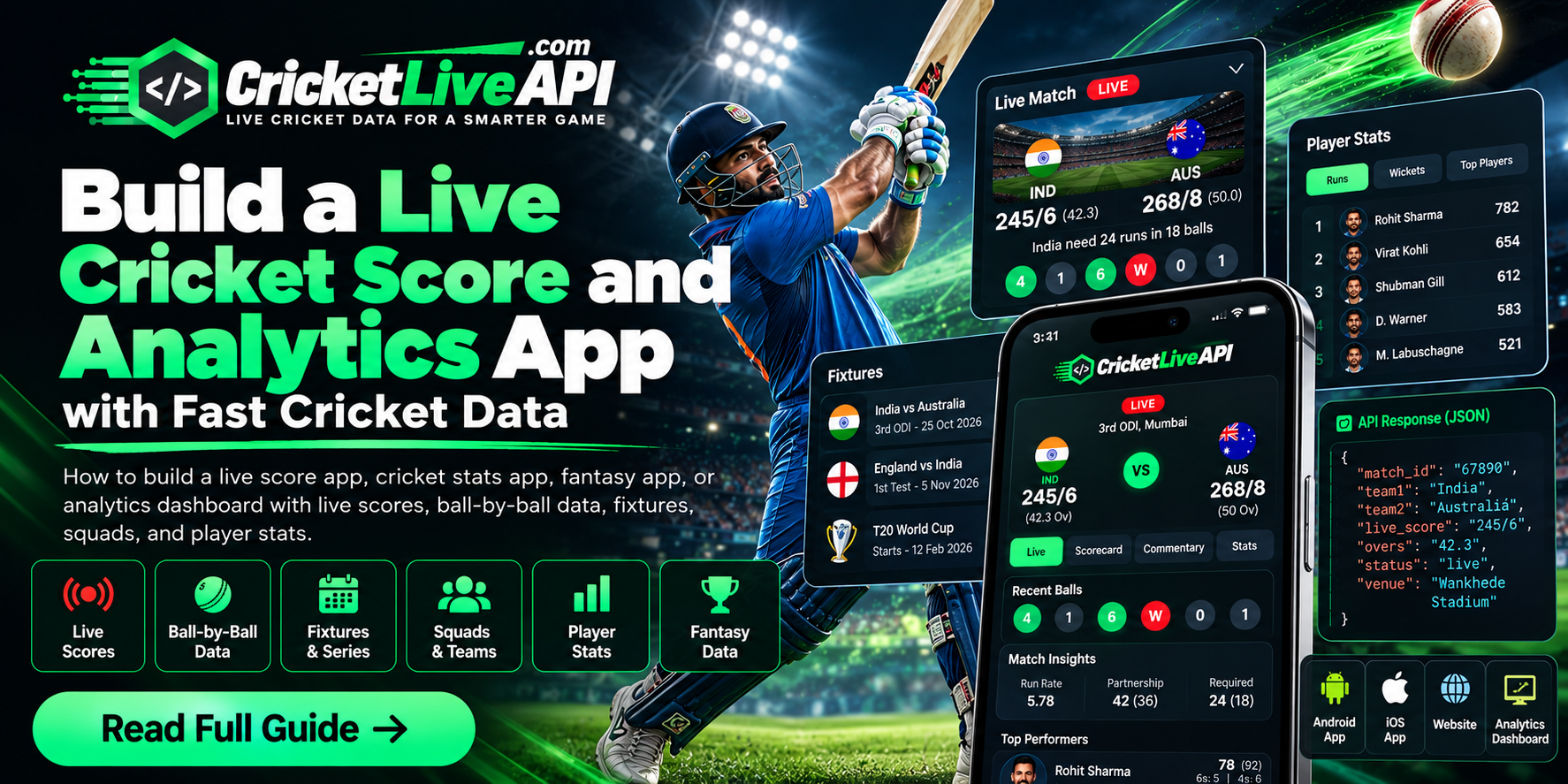
How to build a live score app, cricket stats app, fantasy app, or analytics dashboard with live scores, ball-by-ball data, fixtures, squads, and player stats.
A live score screen, a cricket stats app, a fantasy room, and a match dashboard all start with the same thing: fast, reliable cricket data. The product looks different in each case. The data behind it does not. You need the current score, the scorecard, the fixtures, the squads, and the player numbers, and you need them in JSON your own app can render.
CricketLiveApi is a cricket data API for that job. Paid plans start at Rs 99. A new account gets an API key, and the key stays limited until a plan is active. There is no free plan.
What you can build
The same match id can feed more than one product.
- Live score app: show the current score, overs, wickets, and match status.
- Cricket stats app: show scorecards, player figures, and series context.
- Fantasy app: show the player list, playing XI, and fantasy points for the same match.
- Dashboard: show several live matches, a selected scorecard, and a short list of upcoming fixtures.
Keep the API behind your own backend. The app should call your server, and your server should call CricketLiveApi with the bearer token. That keeps the token off the phone and out of the page source.
Live scores, scorecards, and fixtures
A live score feed is not one endpoint. Split the screen into the pieces the user actually looks at.
- Live matches for the home list.
- Scorecard for the match page.
- Ball-by-ball commentary when the user opens the commentary tab.
- Fixtures, squads, and points tables when the user browses a tournament.
- Player stats when the user opens a player.
That split matters during the IPL, an ICC event, a T20 World Cup, the BBL, or the PSL. A home page that refreshes the full scorecard for every card will burn the daily limit. Load the list first. Load the scorecard only after the user opens a match.
How often to call the API
CricketLiveApi does not push a public toss or score webhook. Call the endpoint on a timer, and stop when the value you need is already filled.
- Live list: every 10 to 15 seconds while matches are on.
- Scorecard and commentary: every 10 to 15 seconds on the open match page only.
- Match facts and toss: every 30 to 60 seconds from about 15 minutes before the start. The match-facts response is cached for 30 seconds. Stop once
data.tosshas a value. - Fixtures and player profiles: cache for several minutes. They do not change ball by ball.
Cache the live response on your server for 10 to 15 seconds. If 1,000 users have the same match open, they should share one upstream request, not send 1,000.
Fantasy and analytics
A fantasy app needs the player list before the toss, the playing XI in the last hour, and points after the match starts. Load players once and cache them. Poll the XI about once a minute until eleven names are confirmed, then stop. Poll points only while the match is live.
An analytics screen can sit on the same scorecard. Run rate, overs, wickets, partnerships, and bowling figures are already in the match data. Draw the chart in your own app. You do not need a separate chart product to show a simple worm, a runs-per-over bar, or a wagon-style zone if you already have the ball and player rows.
What to check before you launch
- Send
Authorization: Bearer YOUR_TOKENon every request. - Read the HTTP status. A 401 means the token is missing or expired. A 429 means the plan limit is used up. Do not retry either one in a tight loop.
- Count every call, including failed ones, against the daily plan limit.
- Test one live match, one upcoming match, and one finished match before you open the app to users.
Plans start at Rs 99 for testing live scores and basic match data. Move up only when the app is calling scorecards, commentary, or fantasy points for real users. The API reference is at cricketliveapi.com/api-docs, and plan details are on the pricing page.